
Lights flickering in your home can be more than just an annoyance; they can be a symptom of underlying electrical issues that range from minor inconveniences to serious safety hazards. Understanding the common causes behind these intermittent illuminations is crucial for maintaining a safe, comfortable, and energy-efficient living space.
From a loose bulb to a more complex problem within your electrical panel, a flickering light warrants investigation.
The causes of flickering lights are diverse, often stemming from issues with the bulb itself, the fixture, the wiring, or even the power supply from your utility company. Identifying the specific culprit requires a systematic approach, considering factors like the type of bulb, the location of the flicker, and whether it occurs consistently or intermittently.
Ignoring these signs can lead to further damage, increased energy waste, and potentially dangerous situations like electrical fires.
Key Takeaways
- Bulb Issues: A loose bulb, a burnt-out filament, or an incompatible bulb type (especially with LEDs and dimmers) are common causes of flickering.
- Fixture Problems: Faulty wiring within a light fixture, loose connections, or a failing ballast (in fluorescent lights) can lead to flickering.
- Switch and Dimmer Glitches: Worn-out switches, loose wire connections at the switch, or incompatible dimmer switches are frequent culprits.
- Circuit Overload: When too many appliances are drawing power from a single circuit, voltage can dip, causing lights to flicker.
- Wiring and Connection Faults: Loose connections in junction boxes, damaged wiring, or faulty outlets can cause intermittent power flow and flickering lights.
- External Power Fluctuations: Issues with the power grid, aging neighborhood infrastructure, or problems with your home’s main service entrance can cause widespread flickering.
- Appliance Interference: High-demand appliances like refrigerators, air conditioners, or microwaves can momentarily draw significant power, causing nearby lights to flicker.
- Addressing Flickering: Start with simple checks (bulb tightness, bulb type) and escalate to inspecting fixtures, switches, and potentially calling a qualified electrician for complex issues.

Credit: www.nordichomeinspection.com
Understanding The Anatomy Of A Light Flicker
Before diving into the specific reasons for flickering, it’s helpful to understand what’s happening electrically when a light flickers. A light bulb illuminates when electricity flows through its filament or internal components, generating heat and light. A flicker is essentially a momentary interruption or fluctuation in this flow of electricity.
This interruption can be so brief that the light appears to blink rather than go out completely.
The frequency and pattern of flickering can offer clues. A single bulb flickering in an otherwise stable lighting environment might point to an issue with that specific bulb or fixture. Conversely, if multiple lights across different rooms or even your entire house flicker simultaneously, the problem is likely more widespread, potentially originating from your main electrical panel or the utility’s power supply.
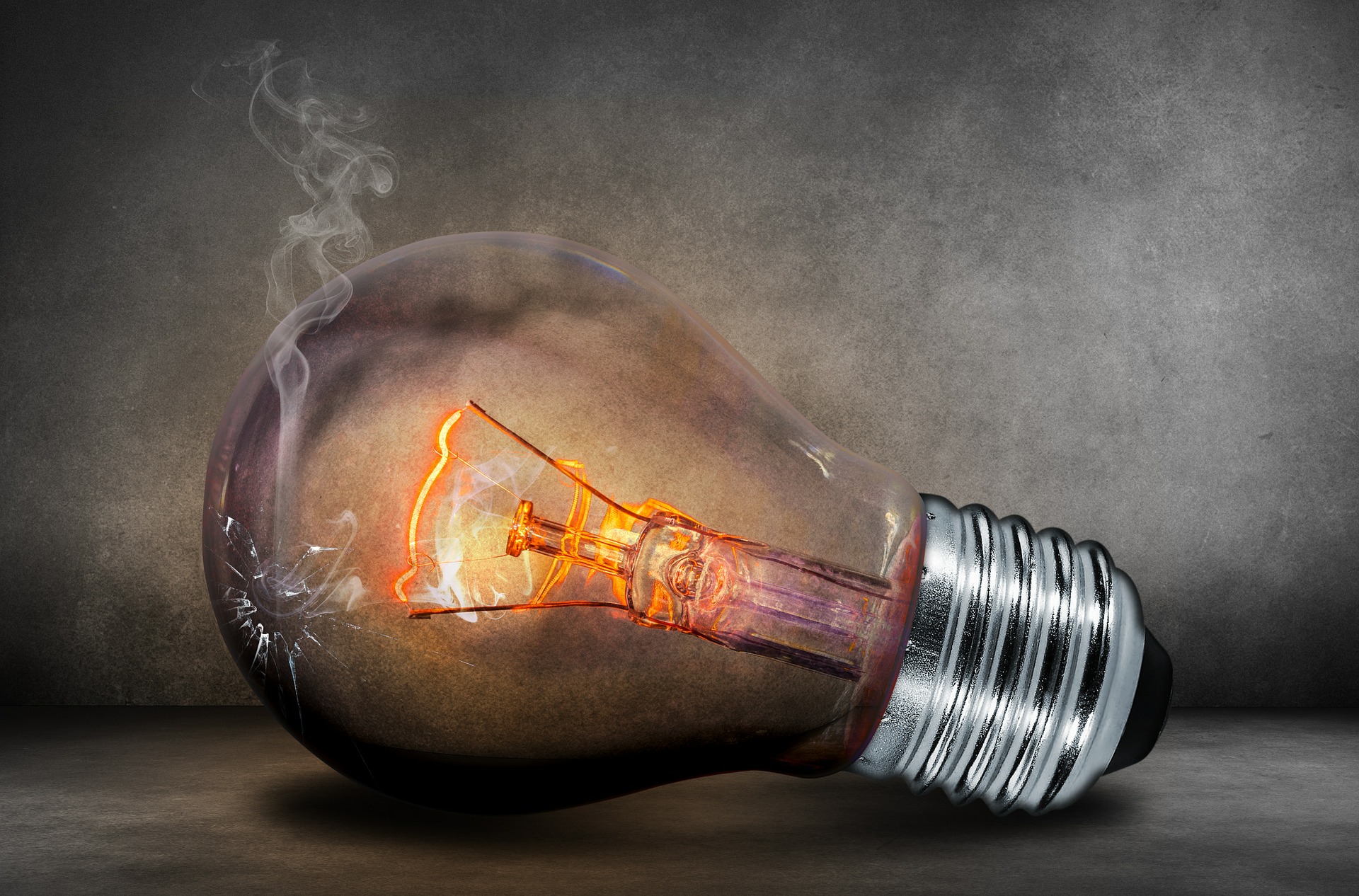
The type of light bulb also plays a role; incandescent bulbs, LEDs, and fluorescent lights have different failure modes and sensitivities to electrical fluctuations.
Credit: gcedestin.com
Common Culprits: From Bulbs To Fixtures
The most frequent causes of flickering lights are often the simplest to diagnose and fix. These issues typically involve the light bulb itself or the immediate fixture it’s housed in.
The Humble Light Bulb
The light bulb is the most direct component in producing light, and it’s often the first place to look when a flicker occurs.
- Loose Bulb: This is perhaps the most common and easiest-to-fix reason. Over time, vibrations from foot traffic, doors closing, or even the expansion and contraction of materials due to temperature changes can cause a light bulb to loosen slightly in its socket. This loose connection creates intermittent contact, leading to flickering. Simply tightening the bulb by hand (ensure the light switch is off first!) Can resolve the issue.
- Dying Bulb: Incandescent bulbs, in particular, have a filament that can degrade over time. As it weakens, it can cause the bulb to flicker before burning out completely. For LED and CFL bulbs, the internal electronic components can fail or degrade, leading to flickering. If you notice a bulb flickering and then dimming or going out, it’s likely at the end of its lifespan.
- Incompatible Bulb Type: This is a growing concern with the prevalence of LED and CFL bulbs. These bulbs are more energy-efficient but can be sensitive to voltage fluctuations. If you’re using an LED or CFL bulb in a fixture designed for incandescents, or if you’re using a bulb that isn’t rated for dimmable circuits with a dimmer switch, flickering can occur. Not all LED bulbs are compatible with older dimmer switches, and vice-versa. Always check the bulb’s packaging for compatibility information.
The Light Fixture Itself
Beyond the bulb, the fixture housing it can also be a source of flickering.
- Faulty Socket: The socket where the bulb screws in can become worn, corroded, or damaged, leading to poor contact with the bulb’s base. This can manifest as flickering, especially if the fixture is jostled.
- Loose Wiring Within the Fixture: Inside the fixture, wires connect the main house wiring to the socket. These connections can become loose over time due to heat cycles or improper installation. A loose wire connection within the fixture can cause an intermittent electrical flow, resulting in a flicker.
- Ballast Issues (Fluorescent Lights): For fluorescent light fixtures, a ballast is a crucial component that regulates the voltage and current. If the ballast is failing, it can cause the fluorescent tube to flicker, hum, or fail to light up altogether. This is a common issue with older fluorescent lighting systems.
Electrical Switch And Dimmer Complications
The controls that turn your lights on and off are another common point of failure that can lead to flickering.
The Light Switch
Light switches, like any mechanical device, can wear out.
- Worn-Out Switch: The internal contacts within a light switch can become dirty, corroded, or worn down from repeated use. This degradation can lead to an unstable connection, causing the light to flicker when the switch is in the “on” position.
- Loose Wiring at the Switch: Similar to fixture wiring, the connections behind the light switch can become loose. If the wires connecting to the switch terminals are not securely fastened, it can create an intermittent circuit, leading to flickering lights. This is a fire hazard and should be addressed immediately by a qualified electrician.
Dimmer Switch Woes
Dimmer switches offer mood lighting but can introduce their own set of flickering problems.
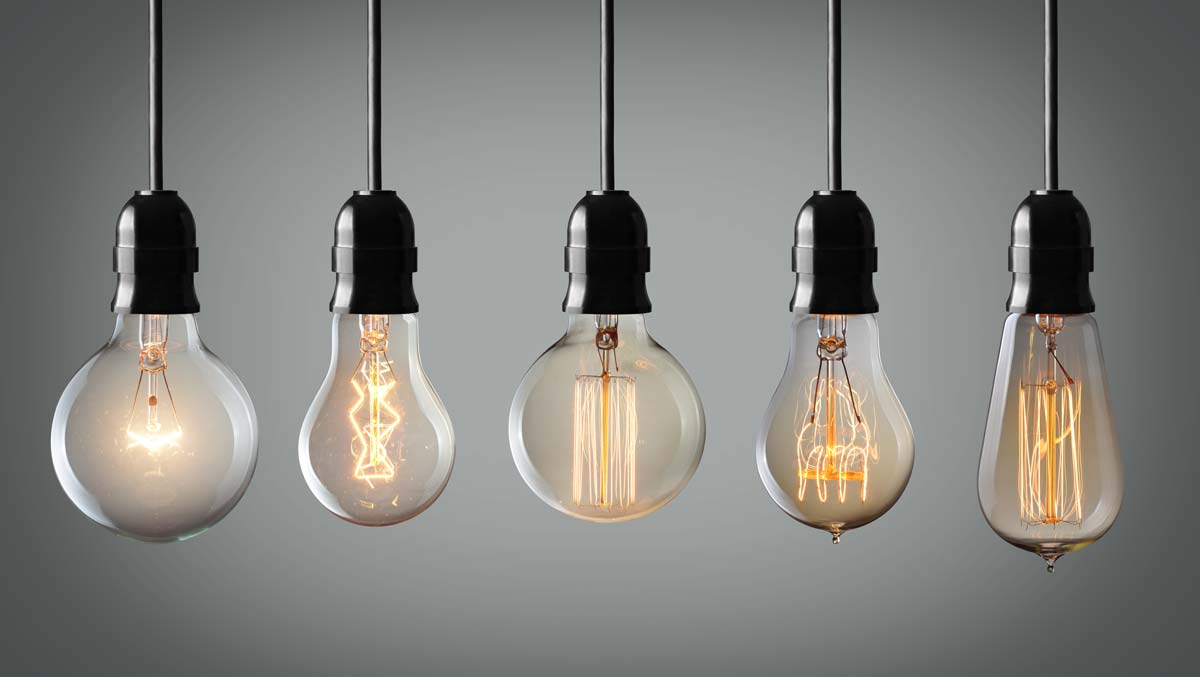
- Incompatibility with Bulb Type: As mentioned earlier, not all dimmer switches are compatible with all types of bulbs, especially LEDs and CFLs. Older dimmers are typically designed for incandescent loads. Using newer bulb technologies with older dimmers, or vice-versa, can result in flickering, buzzing, or premature bulb failure. Modern LED-compatible dimmers are readily available and are essential for smooth LED dimming.
- Faulty Dimmer: Like standard switches, dimmer switches themselves can fail. The electronic components within a dimmer can degrade, leading to erratic behavior, including flickering lights even when set to a specific brightness.
- Overloaded Dimmer: Dimmer switches have a maximum wattage rating. If you connect a light fixture or multiple bulbs that exceed this rating, the dimmer can overheat and malfunction, causing flickering. Always check the wattage rating of the dimmer and the total wattage of the bulbs it controls.
Credit: bates-electric.com
Circuit And Wiring Concerns
When simple fixes don’t resolve the flickering, the issue may lie deeper within your home’s electrical system, involving circuits and wiring.
Circuit Overload And Voltage Drops
Your home’s electrical system is divided into circuits, each protected by a circuit breaker or fuse in your electrical panel. Each circuit is designed to handle a specific amount of electrical load (measured in watts or amps).
- Overloaded Circuit: If you have too many high-demand appliances or lights connected to a single circuit, it can become overloaded. When a circuit is overloaded, the voltage can drop momentarily as it struggles to supply enough power to all connected devices. This voltage drop can cause lights on that circuit to dim or flicker. You might notice flickering when a high-draw appliance like a microwave, hair dryer, or vacuum cleaner is turned on.
- Voltage Fluctuations: Even without a direct overload, a circuit that is consistently near its capacity can experience minor voltage fluctuations. These fluctuations can be enough to cause sensitive lighting, particularly LEDs, to flicker.
Loose Connections And Damaged Wiring
The integrity of your home’s wiring is paramount for safe and consistent power delivery.
- Loose Connections in Junction Boxes: Electrical wiring is often connected within junction boxes. Over time, these connections can loosen due to vibrations, heat cycles, or improper installation. A loose connection anywhere in the circuit, from the outlet to the switch to the fixture, can interrupt the flow of electricity, causing flickering. This is a significant fire hazard.
- Damaged Wiring: Wires can become damaged due to pests (like rodents chewing on insulation), physical impact, or age. Damaged insulation or conductors can create intermittent contact points, leading to flickering and posing a serious risk of electrical shock or fire.
- Faulty Outlets: If the flickering light is connected to an outlet, the outlet itself might be the problem. Loose connections within the outlet, or a worn-out outlet, can cause intermittent power delivery.
External Influences: Power Grid And Appliances
Sometimes, the source of flickering isn’t within your home’s immediate wiring but comes from external factors.
Power Grid Issues
The electricity that powers your home comes from a complex network managed by your local utility company. Issues within this network can affect your home’s power supply.
- Utility Company Problems: Problems at the power plant, issues with transmission lines, or maintenance work on the local grid can cause temporary voltage fluctuations or brownouts, leading to widespread flickering in a neighborhood.
- Aging Infrastructure: Older neighborhoods often have aging electrical infrastructure, including transformers and underground or overhead lines. These components can become less reliable over time, leading to inconsistent power delivery and flickering lights.
- Sudden Demand Surges: On extremely hot days, when many people turn on air conditioners simultaneously, the demand on the power grid can surge. This can lead to momentary dips in voltage across the grid, causing lights to flicker in many homes.
Appliance Interference
Certain high-demand appliances can cause temporary, localized flickering.
- Motorized Appliances: Appliances with powerful motors, such as refrigerators, air conditioners, washing machines, and vacuum cleaners, draw a significant amount of electricity when they start up. This sudden surge in power consumption can cause a momentary dip in voltage on the circuit, which may be enough to make lights flicker, especially if the bulbs are sensitive or the circuit is already heavily loaded.
- Microwave Ovens: When a microwave is running, it draws a substantial amount of power. This can also lead to temporary voltage drops that affect nearby lights.
Diagnosing And Troubleshooting Flickering Lights
When you notice flickering lights, a methodical approach to troubleshooting can help pinpoint the cause.
Step-by-step Diagnosis
- Identify the Scope: Is it a single bulb, a fixture in one room, lights on one circuit, or lights throughout the entire house? This is the most crucial first step.
- Single Bulb: Check if the bulb is loose. Try replacing it with a new, known-good bulb of the correct type.
- Single Fixture: If replacing the bulb doesn’t help, check the fixture itself for loose connections or damage.
- Multiple Lights on One Circuit: This suggests a problem with the circuit breaker, overloaded circuit, or wiring within that circuit.
- Lights Throughout the House: This points to a more significant issue, potentially with your main service entrance, the utility company’s supply, or a major wiring fault.
- Check the Bulb:
- Ensure the bulb is screwed in tightly (with the power off).
- Try a different bulb. If the flickering stops, the original bulb was the issue.
- Verify the bulb type is compatible with the fixture and any dimmer switch.
- Inspect the Fixture and Socket:
- With the power off, visually inspect the socket for signs of corrosion or damage.
- Check for any loose wires within the fixture housing.
- Examine Switches and Dimmers:
- If a switch or dimmer is involved, check if the flickering occurs only at certain dimmer settings.
- Listen for buzzing or humming from the switch, which can indicate a problem.
- Ensure the dimmer switch is compatible with the type of bulbs being used.
- Consider Circuit Load:
- Note if the flickering occurs when specific high-draw appliances are turned on.
- Try unplugging some appliances on the affected circuit to see if the flickering stops.
- Observe External Factors:
- Note if the flickering coincides with your neighbors experiencing similar issues.
- Observe if it happens during specific weather conditions or at certain times of the day.
When To Call A Professional Electrician
While simple fixes like tightening a bulb are within the DIY realm, more complex issues require the expertise of a qualified electrician. You should call a professional if:
- The flickering persists after checking the bulb and fixture.
- You suspect loose wiring or faulty connections within walls, switches, or the main electrical panel.
- The issue affects multiple circuits or the entire house.
- You notice any burning smells, hear unusual buzzing or crackling sounds from outlets or switches.
- The circuit breaker trips frequently.
- You are uncomfortable or unsure about any part of the troubleshooting process.
Pro Tip: Always turn off the power at the circuit breaker before attempting any inspection or work on light fixtures, switches, or outlets. If you are unsure about safely turning off power or performing any electrical work, it’s best to consult a licensed electrician.
Comparison Of Common Causes And Solutions
To help clarify the potential issues, here’s a table summarizing common causes and their typical solutions:
| Cause of Flickering | Likely Location of Problem | Typical Solution | Severity/Urgency |
|---|---|---|---|
| Loose Light Bulb | Light Fixture Socket | Tighten bulb; Replace bulb if faulty | Low |
| Dying Light Bulb | Light Bulb | Replace bulb | Low |
| Incompatible Bulb/Dimmer | Bulb, Dimmer Switch | Replace bulb with compatible type; Replace dimmer | Medium |
| Faulty Light Fixture Socket | Light Fixture | Repair or replace fixture | Medium |
| Loose Wiring in Fixture/Switch | Fixture, Junction Box, Switch Box | Tighten connections (Electrician required) | High (Fire Hazard) |
| Worn-Out Light Switch | Light Switch | Replace switch (Electrician recommended) | Medium |
| Faulty Dimmer Switch | Dimmer Switch | Replace dimmer (Electrician recommended) | Medium |
| Circuit Overload | Electrical Panel, Circuit | Reduce load on circuit; Install new circuit (Electrician required) | Medium |
| Damaged Wiring | Wiring throughout house | Repair or replace wiring (Electrician required) | High (Fire/Shock Hazard) |
| Utility Power Fluctuation | External Power Grid | Contact utility company; Install surge protector/voltage regulator | Low (unless persistent) |
| Appliance Interference | High-Demand Appliance | Separate circuits; Use dimmer-compatible LEDs | Low |
Led Specific Flickering Issues
Light Emitting Diode (LED) bulbs have become incredibly popular due to their energy efficiency and long lifespan. However, they can introduce unique flickering challenges.
The Nature Of Led Flicker
Unlike incandescent bulbs, which produce light by heating a filament, LEDs generate light through semiconductor materials. They are also more sensitive to variations in voltage and current.
- Driver Issues: LED bulbs contain a driver, an electronic component that converts household AC power to the DC power LEDs need and regulates the current. If the driver fails or is of poor quality, it can cause flickering. This is often the cause when an LED bulb starts flickering before it burns out completely.
- Compatibility with Dimmers: As touched upon, many older dimmers are not designed for the low wattage and specific electrical characteristics of LEDs. This incompatibility is a leading cause of LED flickering. Even with “LED-compatible” dimmers, sometimes specific brands or models of bulbs and dimmers don’t work well together.
- Voltage Sensitivity: LEDs are more susceptible to minor voltage fluctuations than incandescent bulbs. If your home has slightly unstable voltage, or if a nearby appliance causes a significant voltage dip, LEDs are more likely to flicker.
Troubleshooting Led Flickering
When troubleshooting LED flickering, pay extra attention to:
- Bulb Quality: Cheaper, unbranded LED bulbs may use lower-quality drivers or components, making them more prone to flickering.
- Dimmer Compatibility: Always ensure your dimmer switch is explicitly rated for LED use and, if possible, check for specific bulb brand compatibility.
- Circuit Load: Even though LEDs use less power, if a circuit is heavily loaded, the overall voltage stability can still be affected, leading to flickering.
Safety First: When Flickering Becomes Dangerous
While many flickering lights are minor nuisances, some indicate serious electrical problems that pose a fire hazard or risk of electric shock.
Warning Signs Of Dangerous Electrical Issues
- Burning Smells: If you notice a burning smell emanating from an outlet, switch, or light fixture, turn off the power to that circuit immediately and call an electrician. This indicates overheating wires or components.
- Buzzing or Crackling Sounds: Unusual noises from electrical devices can signify loose connections or arcing, which are precursors to potential fires.
- Discolored Outlets or Switches: Brown or black discoloration around outlets or switches is a sign of overheating and melting plastic.
- Frequent Breaker Tripping: If a circuit breaker trips often, it suggests the circuit is overloaded or there’s a fault that needs professional attention.
- Flickering Accompanied by Other Issues: If flickering lights are happening alongside any of the above signs, treat it as an emergency.
The Importance Of Professional Electrical Inspections
Regular electrical inspections by a qualified electrician can help identify potential problems before they escalate. An electrician can:
- Check for loose connections in your main panel and throughout your home’s wiring.
- Assess the condition of your wiring, especially in older homes.
- Ensure your circuits are not overloaded.
- Identify any potential fire hazards.
According to the U. S. Fire Administration, electrical distribution and lighting equipment causes an estimated average of 14,700 reported fires per year, resulting in 430 injuries and 130 deaths. While not all of these are directly caused by flickering lights, faulty wiring and overloaded circuits are significant contributing factors.
Frequently Asked Questions
Why Do My Lights Flicker When I Turn On An Appliance?
This typically happens because the appliance, especially one with a motor like a refrigerator or air conditioner, draws a significant amount of power when it starts up. This sudden demand can cause a temporary dip in voltage on the circuit, which is enough to make sensitive lights flicker.
If the flickering is severe or happens with many appliances, it might indicate an overloaded circuit or an issue with your home’s wiring.
Can A Loose Connection In My Electrical Panel Cause Flickering Lights?
Yes, absolutely. Loose connections anywhere in your home’s electrical system can cause flickering. This includes connections within the main electrical panel, at the circuit breaker or fuse, in junction boxes, at switches, or within light fixtures. Loose connections create resistance, leading to voltage drops and intermittent power flow, which manifests as flickering lights.
This is a serious issue that requires immediate attention from an electrician.
Are Led Lights More Prone To Flickering Than Incandescent Bulbs?
LEDs can be more prone to flickering, particularly due to their sensitivity to voltage fluctuations and compatibility issues with dimmer switches. While incandescent bulbs might just dim or burn out when voltage drops, LEDs can flicker. The quality of the LED bulb’s internal driver also plays a significant role; lower-quality LEDs are more likely to flicker as they age or encounter minor electrical disturbances.
What Is A Voltage Sag, And How Does It Relate To Flickering Lights?
A voltage sag (or voltage dip) is a momentary decrease in the electrical supply voltage. It occurs when there’s a sudden, significant increase in demand for electricity on the power grid or a specific circuit. Appliances with motors (like those in refrigerators or HVAC systems) starting up are common causes of voltage sags within a home. If the sag is deep enough, it can cause lights to dim or flicker.
How Can I Tell If My Flickering Lights Are A Safety Hazard?
You should be concerned about safety if the flickering is accompanied by other warning signs. These include a burning smell coming from outlets or switches, unusual buzzing or crackling sounds from electrical devices, visible discoloration (like brown or black marks) around outlets or switches, or if your circuit breaker trips frequently.
If you observe any of these symptoms along with flickering lights, turn off the power to the affected area